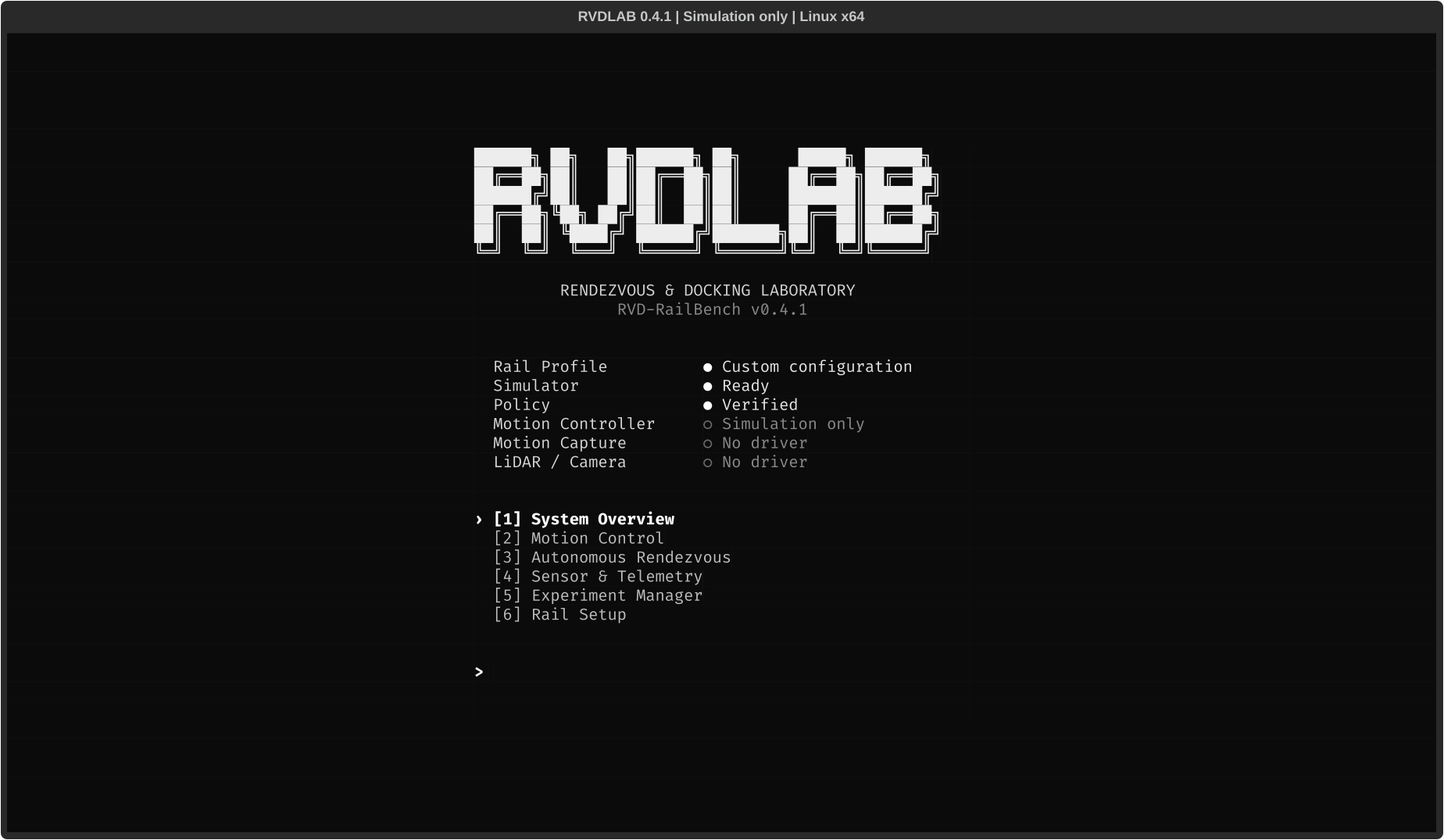
Terminal
Configure and manage experiments from the RVDLAB terminal interface.
Open the interfaceSimulation, control and reproducible experiments for spacecraft research.
Configure a run, connect your controller, and keep the data needed to replay it.
Configure and manage experiments from the RVDLAB terminal interface.
Open the interface$ rail_main
  --fast
  --max-steps 12
  --experiment-dir
experiments/exampleRun configurable rendezvous experiments with the C++ runtime.
Run an experimentexample/ metadata.json configuration.ini trajectory.csv controller.csv events.jsonl summary.json checksums.sha256
Keep configuration, versions, inputs and trajectory data together.
Explore recordsConnect your research through the IController interface.
Read the interfaceRVDLAB is the terminal interface and experimental workflow for RVD-RailBench. It brings simulation, control, configuration and records into one research stack. Read the docs.
Choose ideal or bounded simulation, initial conditions, noise and delay.
Keep algorithm implementations separate from the experiment runtime.
Record the build, model, configuration and random seed.
Save telemetry, controller inputs, events and the final result.
Check integrity and compare controller behavior against recorded inputs.
A research platform for rail motion, sensors and target motion. Hardware integration is in progress.
Configure an experiment, run it, inspect the record, and replay the controller from one terminal workflow.
Check your environment, select a configuration and launch a simulation. RVDLAB brings the C++ runtime and experiment tools into a terminal interface.
Get startedApply configuration files in order, then save the resolved settings with the run. Keep the model, build version, seed and recorded inputs alongside the trajectory.
Explore experiment recordsmetadata.jsonModel and artifact identifiers, SHA-256, runtime backend, compiler, build commit, seed and clock mode.
Check record integrity, restore the initial state and replay the controller. Compare actions, next states and flags using the high-precision record.
Read about replaybuild/release/rail_replay experiments/exampleBuild from source, check the runtime, and run the documented simulation example.
Contribute a controller, a device adapter, a reproducible example or a documentation improvement.